blog
PVYlima Desktop
PVlima Desktop was developed for numerous purposes spanning various areas and applications, rendering it a universal tool. Prior to examining the details, it is first necessary to understand the function of the subject.
Lima Virtualization
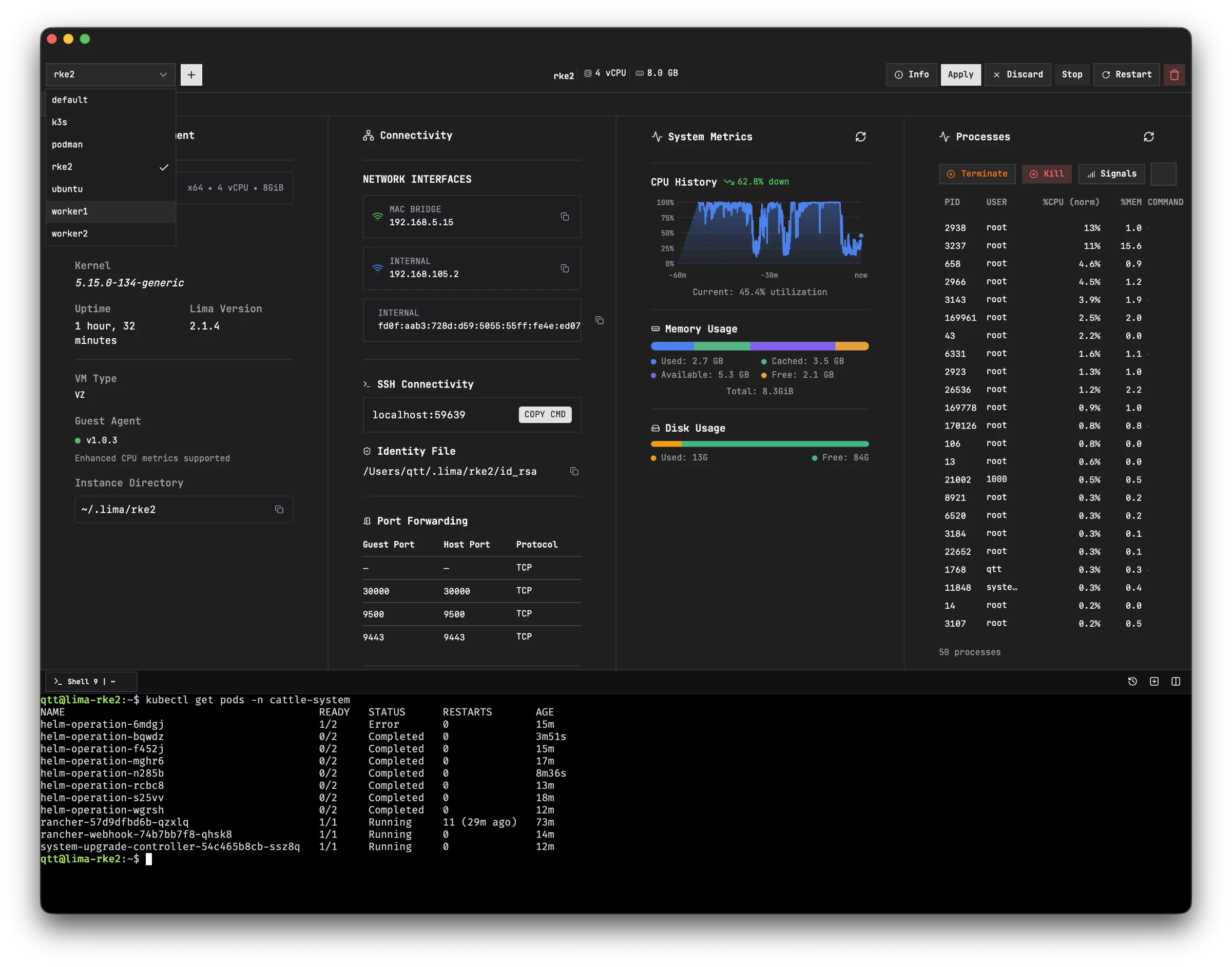
The open-source project Lima enables the native virtualization of operating systems on macOS, Linux, and Windows. Native virtualization ensures that the guest operating system is not emulated, but rather runs within the host operating system.
Unlike VirtualBox, VMware, and other providers that emulate the guest operating system on the host using KVM technology, Lima provides direct access to the hard drive, CPU, and RAM. This allows for performance nearly equivalent to the host operating system, enabling the execution of distributions such as Ubuntu or Debian on macOS.
Virtual machines are managed within the user's home directory, specifically in the ~/.lima folder (e.g., /user/myuser/.lima/).
Performance and Accessibility
Because VZ virtualization technology runs natively on the system, there is no performance loss, as no emulation or conversion is required. Consequently, the system is highly performant.
Furthermore, the guest system's folders are easily accessible from the home directory via Finder or Terminal, and files may be accessed on the alternative operating system through the console or file explorer. While barriers can be implemented, there are currently no such restrictions. For instance, a user can:
- Navigate to the
~/.lima/ubuntudirectory. - Configure the basic settings for the virtual machine.
Declarative, Immutable, and Rootless Configuration
To configure a virtual machine (VM), only one file, lima.yaml, is required. Within this file, all specifications are defined, including:
- The operating system.
- The URL of the base server OS image.
- All necessary system installations.
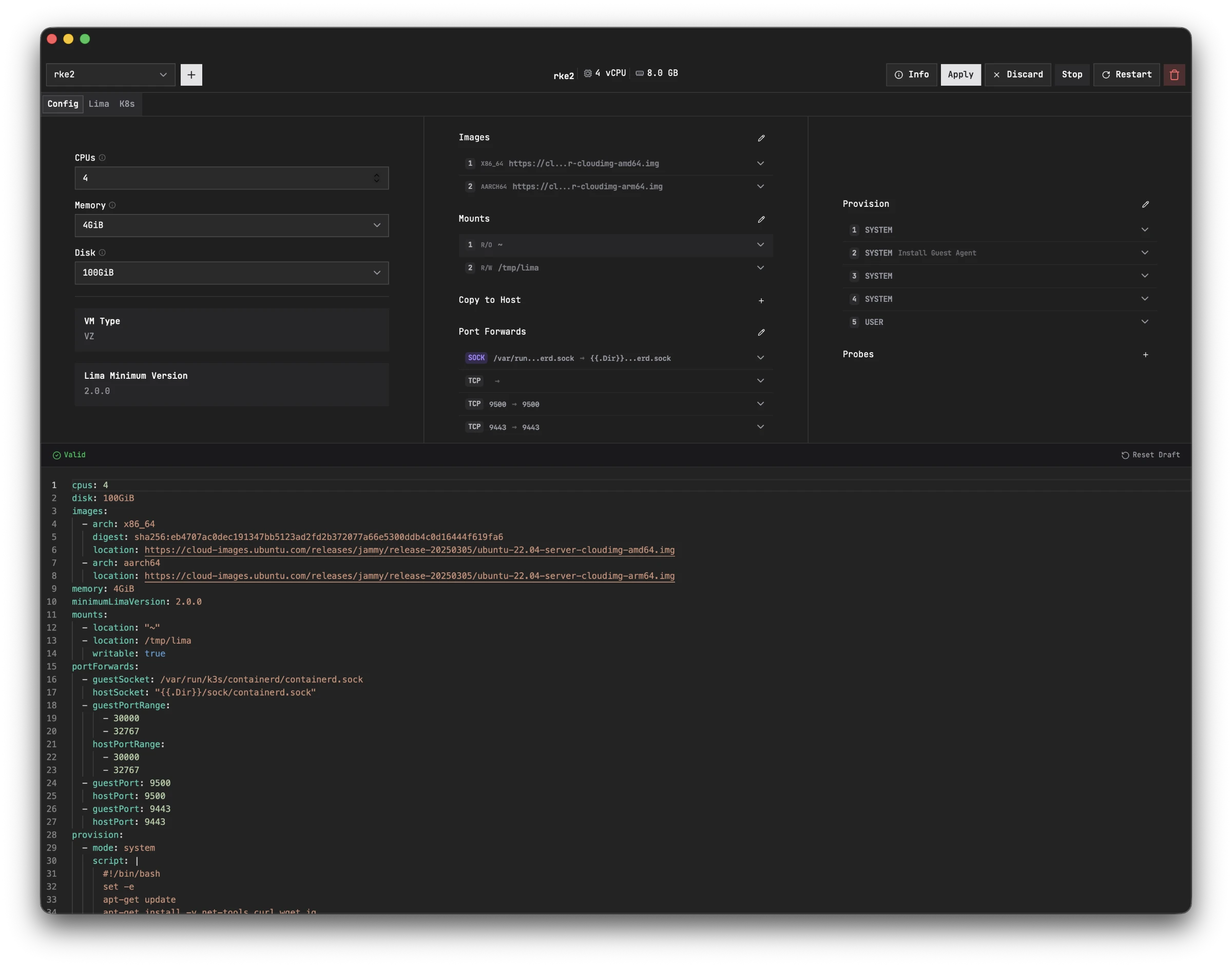
Consequently, virtual servers can be created that remain consistent with these definitions upon restart. These systems are isolated by default, ensuring that any software, such as an AI/LLM, cannot breach the environment. However, access to the host system may be defined via mount points, shared folders, and copy-to-host folders, which can be configured as either read-only or read/write.
Key Advantages for Developers
This declarative approach provides numerous possibilities:
- Collaborative Environments: A specific Debian system can be configured for software compilation; since the configuration is contained within a single file, it can be shared with other developers via chat or Git, ensuring all team members utilize the same pre-configured system.
- System Hygiene: Developers can maintain a clean host operating system, avoiding the recurring need to reinstall NodeJS, Cargo, or Rust, and avoiding version conflicts or system instability.
- Isolation: Execution of AI Large Language Models (LLMs) or agents in complete isolation, as well as the deployment of comprehensive teams of agents and sub-agents.
- Production Mirroring: Provision of a local Docker or Kubernetes host environment that replicates the data center environment. These isolated and immutable production-grade systems solve the "works on my machine" problem, reducing the need for deep server log analysis in production.
- Session Persistent Shell Tabs: Per VM you can have up to 20 Open Shell Tabs, and switching between VMs forth and back, without loosing your previous $CWD.
Tooling: CLI and Desktop Application
Lima includes its own powerful command-line interface (CLI), limactl. However, to ensure accessibility for all users, a desktop application is available for macOS, Linux (deb/rhel), and Windows. This UI allows users to configure their virtual machines transparently, which then generates the corresponding configuration file.
Tool Replacement & Integration
The Lima desktop application effectively replaces the following tools:
- Podman Desktop
- DevContainer
- Rancher Desktop
- Docker Desktop
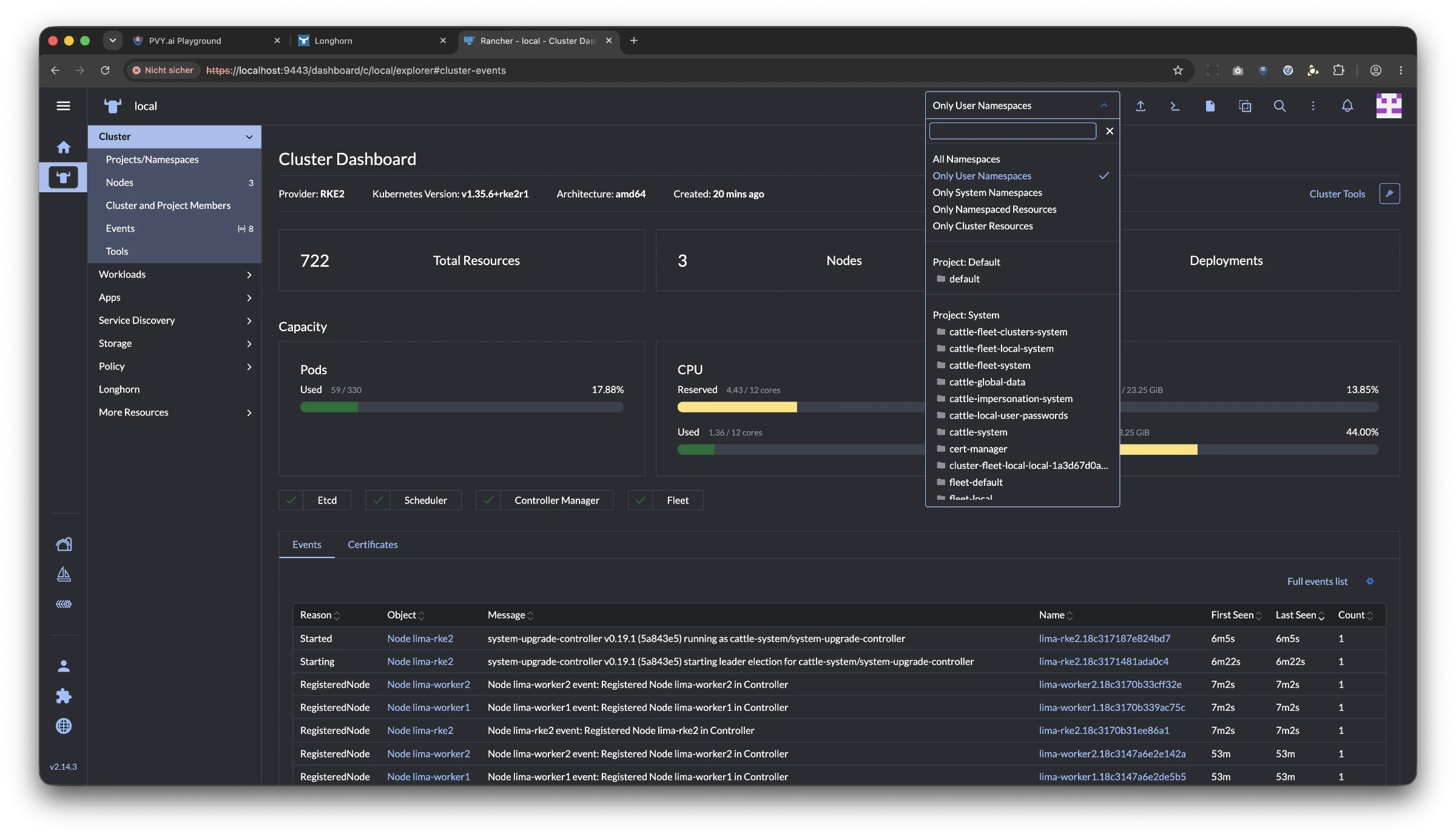
Technical Highlight: A specialized configuration ensures that regardless of whether a Kubernetes cluster or a Docker host server is utilized, all deployed pods and Docker containers resolve to http://localhost:port. This applies to:
- Service user interfaces (e.g., Rancher RKE2 Premium, Longhorn, Traefik Dashboard).
- Docker containers themselves.
- Resulting in a streamlined workflow where resources resolve to
http://localhost:portorhttp://localhost:nodePort.
Security and AI Automation
Security Hardening
By running these systems in isolation, maximum security is maintained. This ensures that the host system is not compromised by malware resulting from improperly pinned dependencies (e.g., a malicious NodeJS package). The process is repeatable, consistent across all devices, and easily hardened via a single file.
Autonomous AI Workflows
Beyond development, this infrastructure enables new capabilities for autonomous AI systems:
- Templates: Numerous templates have been developed for customers and LLMs.
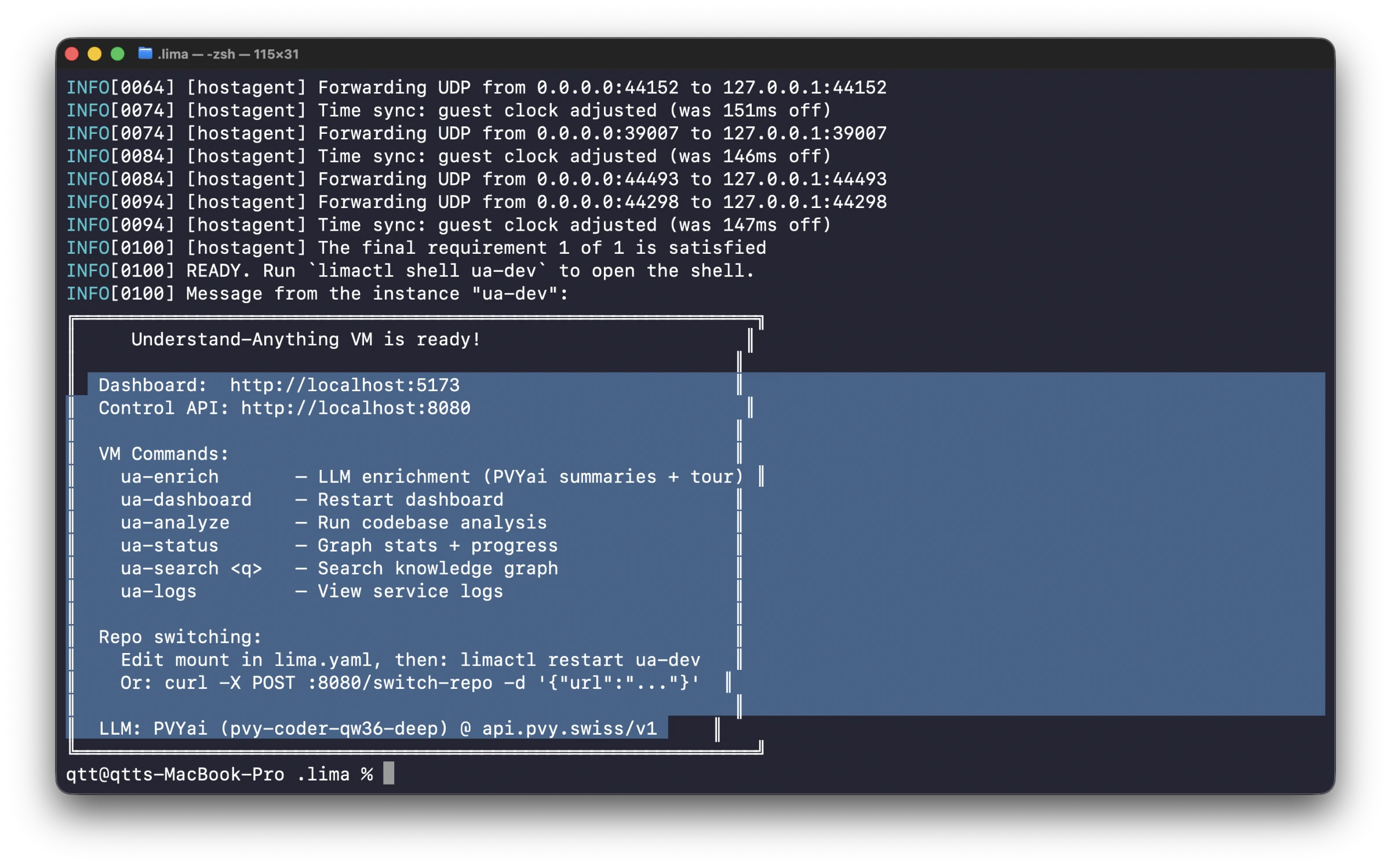
- PVYai Agent Integration: The PVYai Agent operates within these templates and can notify developers via PVYmessenger once a compilation result from the Ubuntu VM has been transferred to the Xcode target folder.
- Automated Deployment: A second PVYai Agent can then initiate Xcode via the console, import project data, keys, and Apple certificates, making the new macOS or iOS version ready for testing within minutes.
Further Information
For more details regarding the functionality of PVYlima Desktop, please refer to the documentation: 👉 https://docs.pvy.swiss/en/quickstart/overview/pvylima
Note: The full program is available exclusively to PVY.swiss customers, partners, and developers via a drag-and-drop basic configuration folder.